

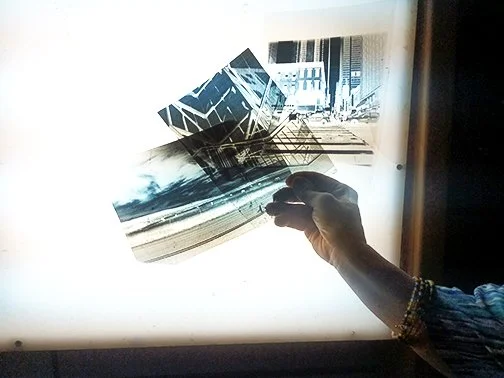
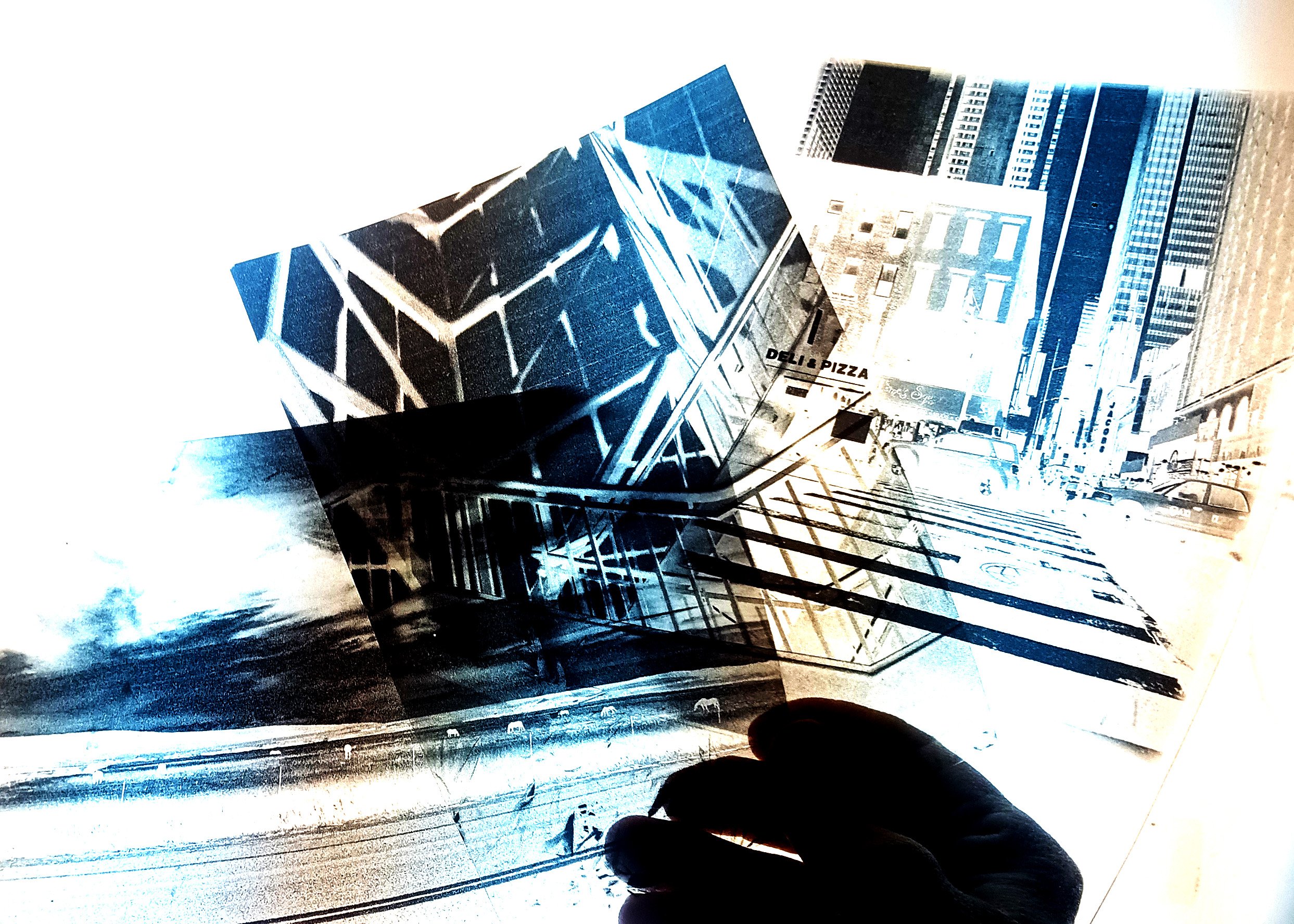
Digital Negative Printing 102 is a simplified course designed to help you get started with printing your images at home from your computer using easy techniques with various software applications. Students will leave the class with at least one 5×7 negative they can then use to print cyanotypes or any other contact printing process requiring a negative.
Laptop
Installed photo editing software such as: Photoshop, Gimp or Affinity Photo
At least 3 original photos from the student as .jpg, .tiff or .png formats
Students will need basic computer skills for this class
This basic course is available to those who have taken Cyanotype Printing 101 with Tess or who have prior experience with alternative photographic processes.
Digital Negative Printing 102 is a simplified course designed to help you get started with printing your images at home from your computer using easy techniques with various software applications. Students will leave the class with at least one 5×7 negative they can then use to print cyanotypes or any other contact printing process requiring a negative.
Laptop
Installed photo editing software such as: Photoshop, Gimp or Affinity Photo
At least 3 original photos from the student as .jpg, .tiff or .png formats
Students will need basic computer skills for this class
This basic course is available to those who have taken Cyanotype Printing 101 with Tess or who have prior experience with alternative photographic processes.